# Image Convert 2 Webp Format ## Installation ``` bash > brew install webp bash > which cwebp ``` ## Config * Open the Automator app * action: new documentatuon -> Quick Action -> Run Shell Script -> Display Notification * cmd + s to save the action ```shell for f in "$@" do /opt/homebrew/bin/cwebp "$f" -q 80 -o "${f%.*}.webp" done ``` 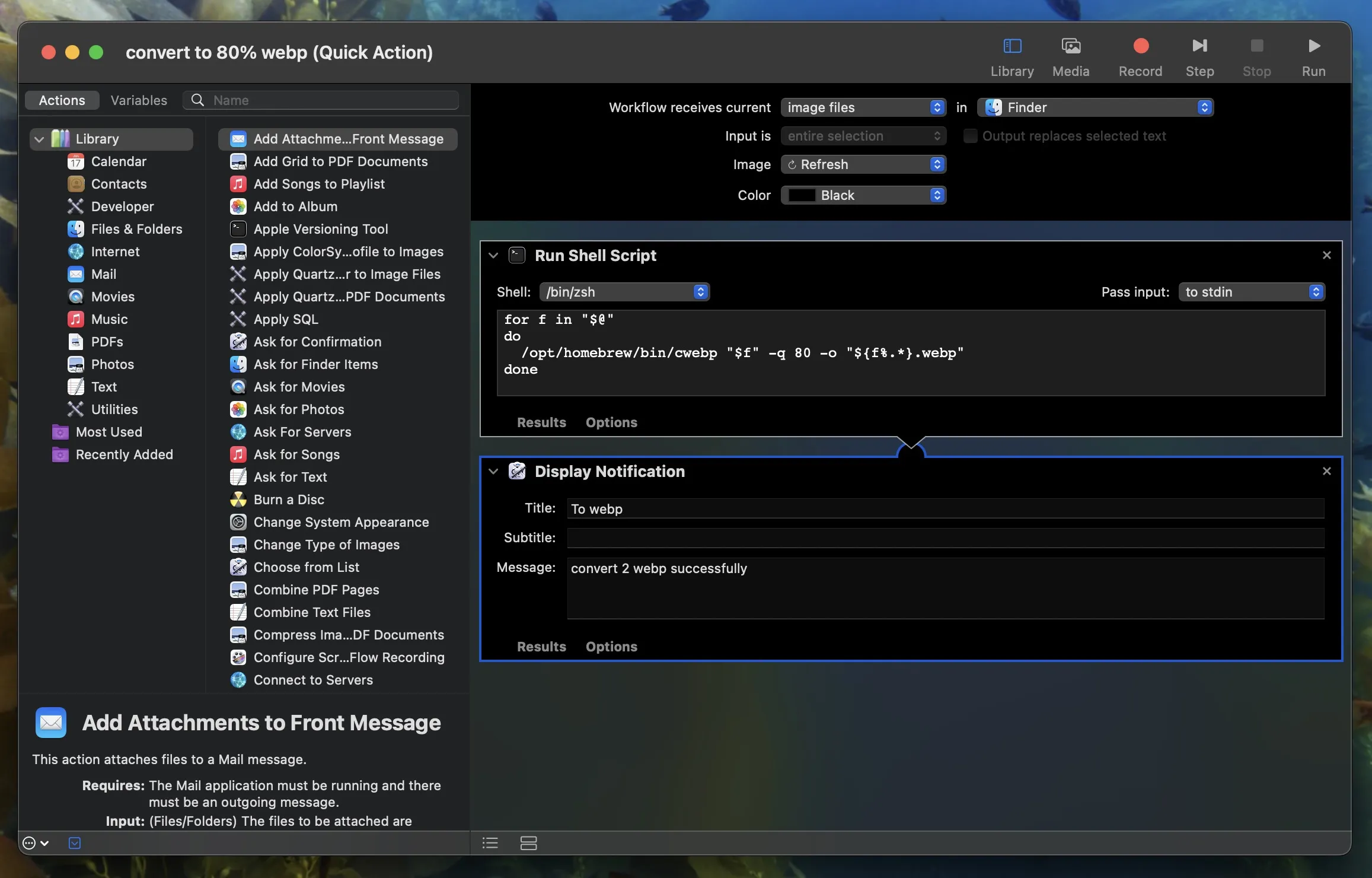 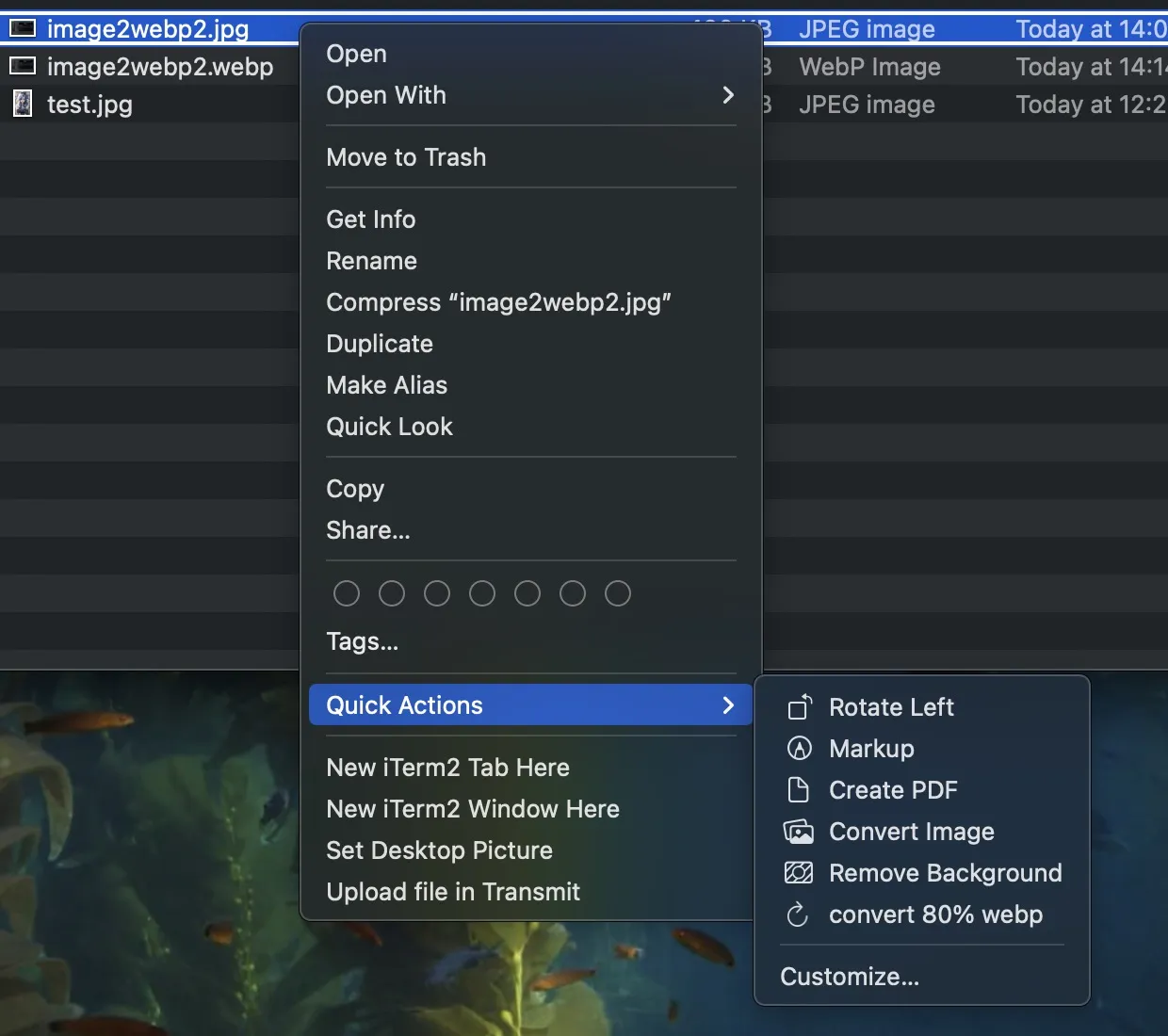 Loading... # Image Convert 2 Webp Format ## Installation ``` bash > brew install webp bash > which cwebp ``` ## Config * Open the Automator app * action: new documentatuon -> Quick Action -> Run Shell Script -> Display Notification * cmd + s to save the action ```shell for f in "$@" do /opt/homebrew/bin/cwebp "$f" -q 80 -o "${f%.*}.webp" done ```   © Reprint prohibited Support Appreciate the author AliPayWeChat Like 如果觉得我的文章对你有用,请随意赞赏